 Noirframe
Your photos.
Your key.
Only you.
Noirframe is a private camera and encrypted vault. Shoot straight into an AES-256 vault that only your passcode opens — no account, no cloud snooping.
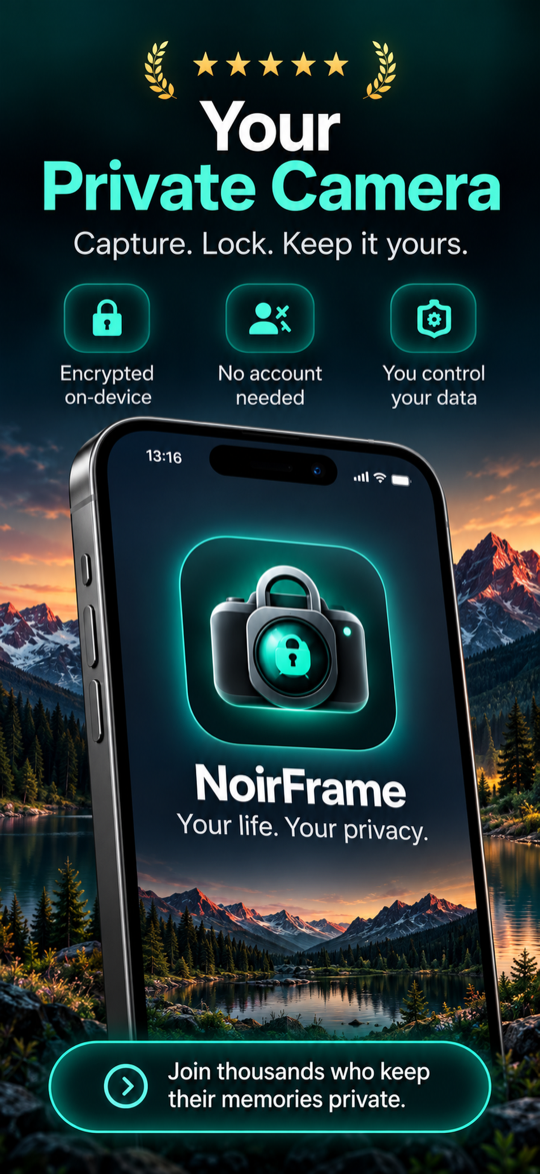
Everything stays yours
Privacy isn't a setting here — it's the whole app.
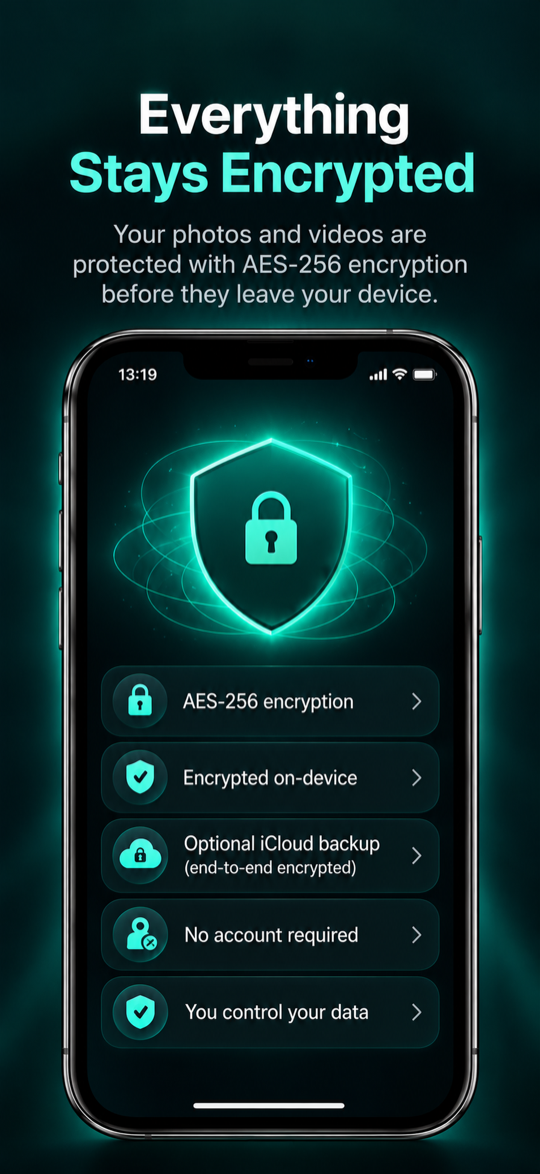
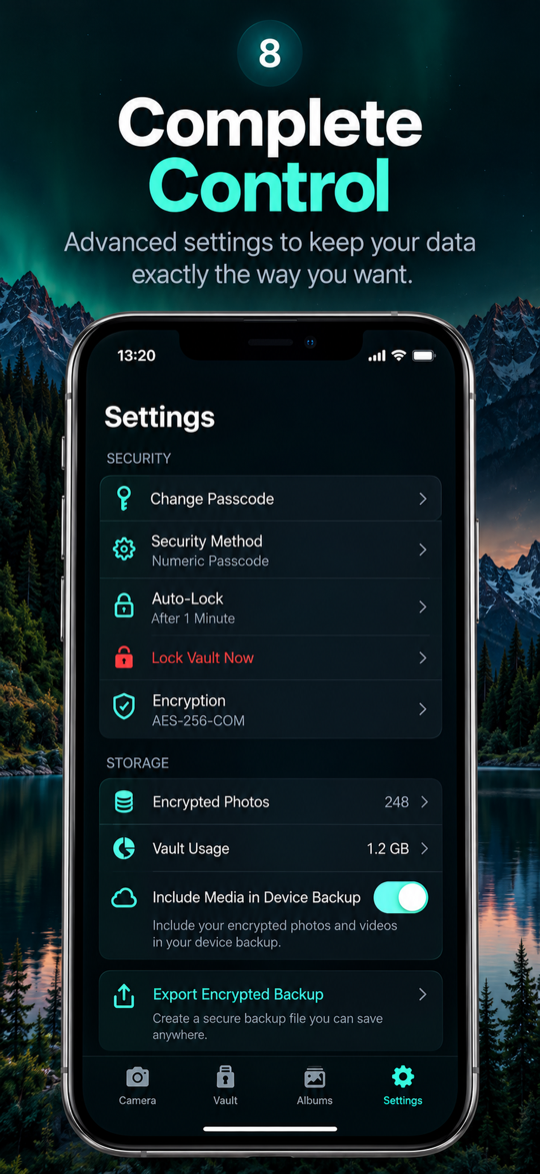
Encrypted on your device
Every photo and video is sealed with AES-256 before it ever touches storage. The key never leaves your phone.
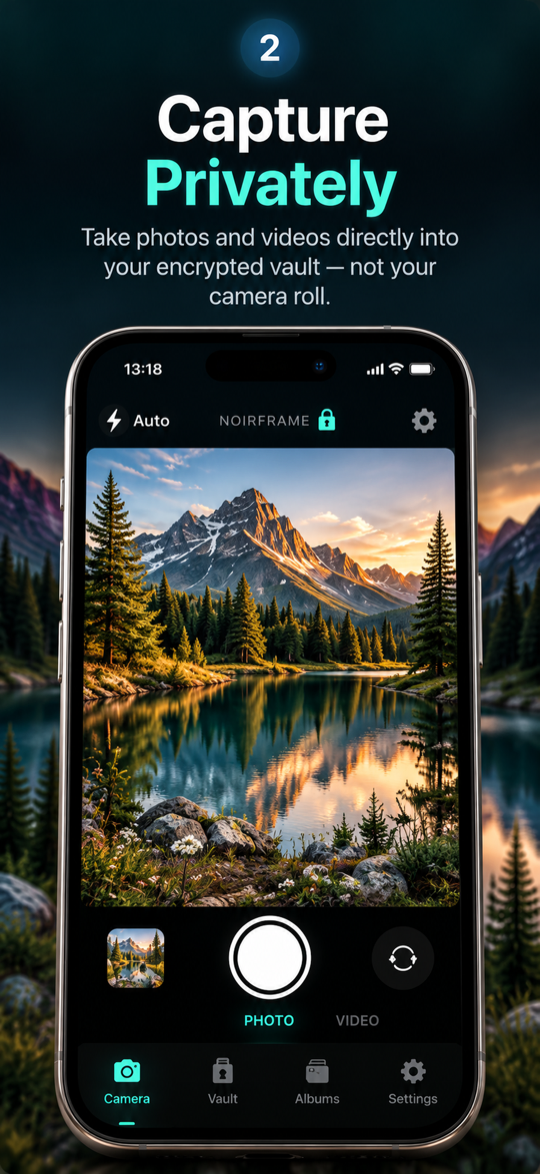
Capture straight to the vault
Shoot photos and video directly into Noirframe — they never land in Apple Photos or your camera roll.
No account, no tracking
No sign-up, no email, no servers reading your media. Nothing to leak because nothing leaves your device.
Optional encrypted iCloud backup
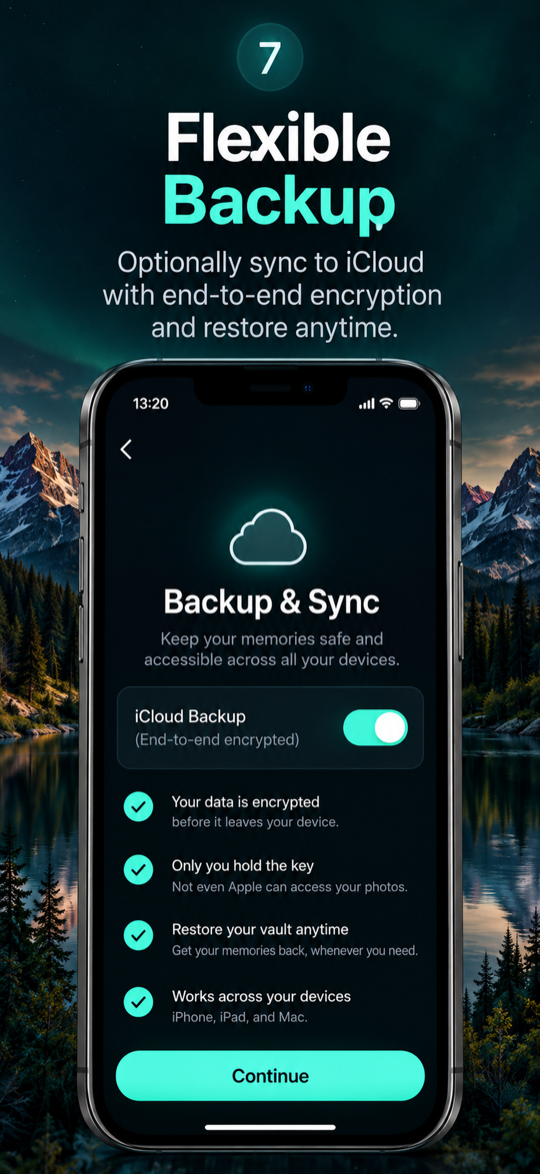
Turn on end-to-end encrypted sync and restore your whole vault after a reinstall or on a new iPhone.
Hide it in plain sight
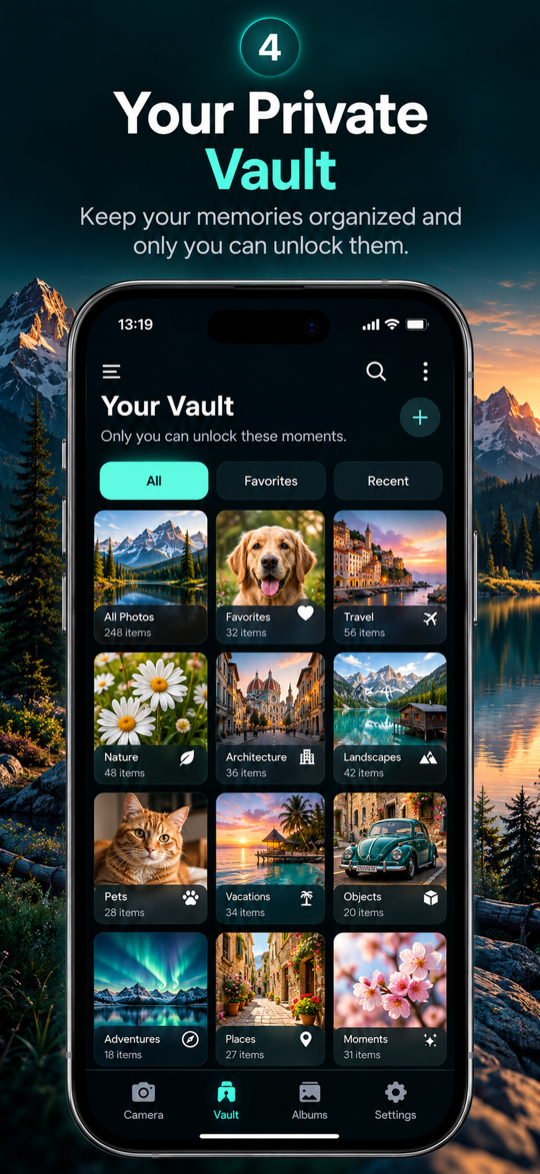
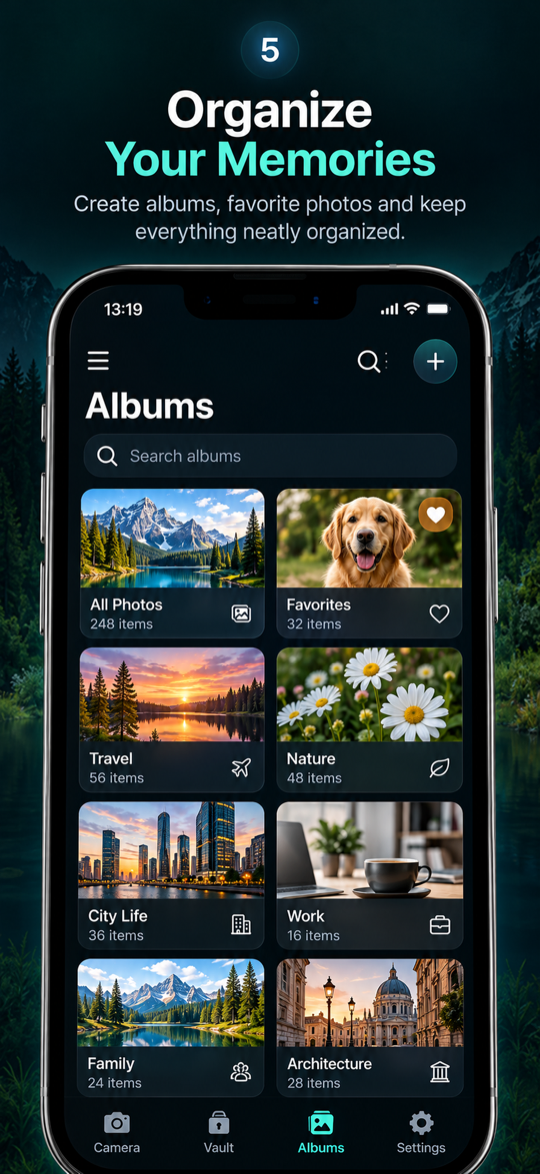
Disguise the app behind an alternate icon and organize everything into private albums.
Fast, private, yours
Bulk import and export, smart sorting and favorites — you decide what ever leaves the vault.
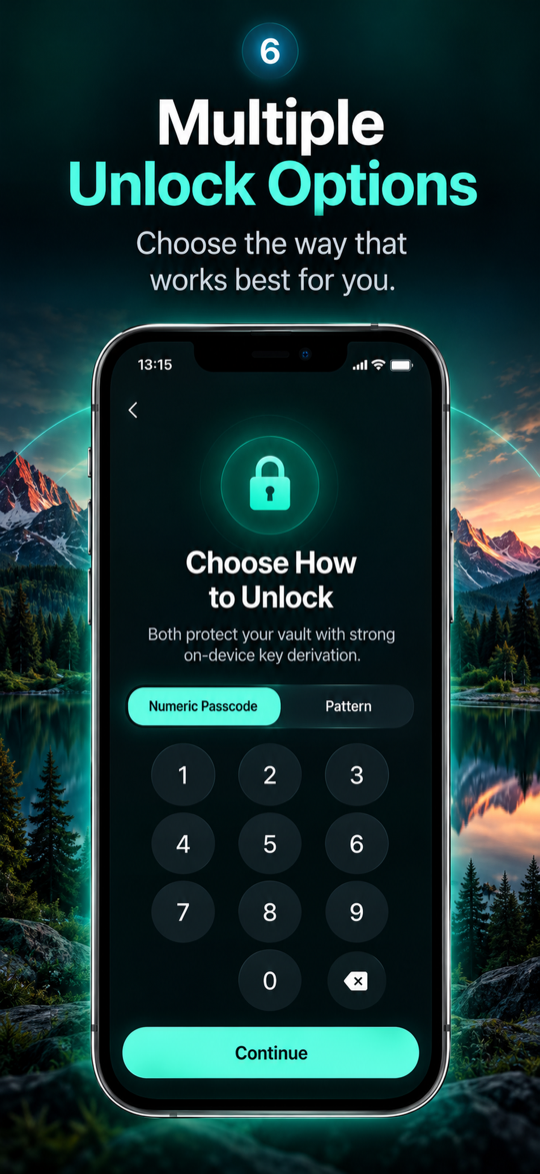
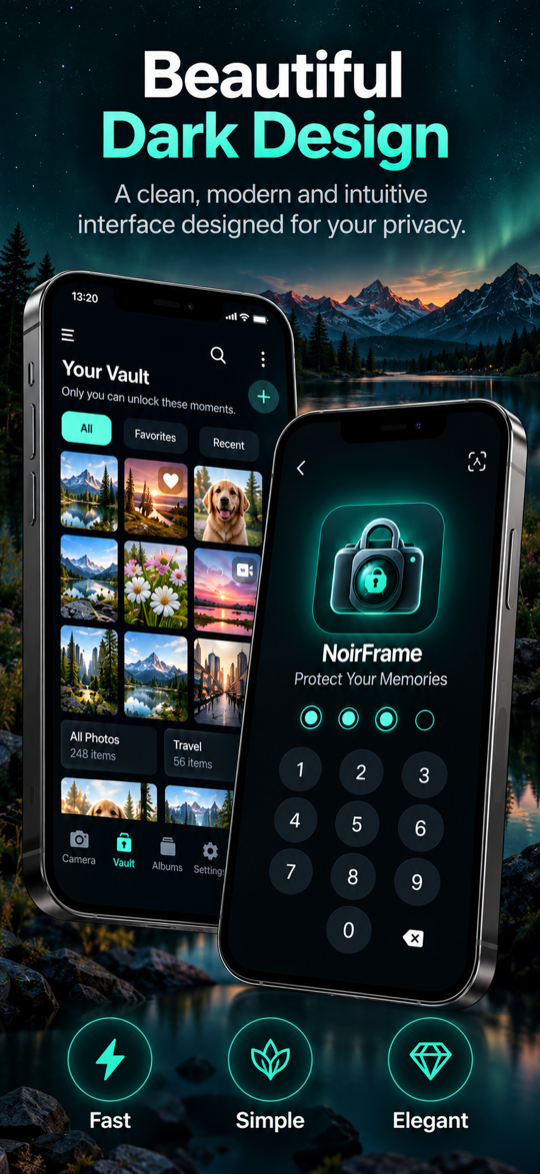
A look inside
Beautiful, dark, and built around your privacy.
Simple, honest pricing
Start free. Upgrade for unlimited storage and encrypted backup. Your photos always stay yours.
Monthly
- Unlimited encrypted photos & videos
- Bulk import & export
- Encrypted iCloud backup
- Custom app icons
Annual
- Everything in Monthly
- Just $2.08 / month
- Best for most people
Lifetime
- Pay once, yours forever
- All premium features
- No subscription
Free tier includes 100 encrypted photos. Losing premium never deletes your photos.
Frequently asked questions
Can anyone else see my photos?
No. Everything is encrypted on your device with AES-256 and only your passcode or pattern can unlock it. We have no servers that can read your media.
What happens if I forget my passcode?
Your passcode is never stored and can't be recovered — that's what keeps your vault private. If you forget it, your encrypted photos can't be decrypted, so choose something memorable.
Are my photos saved to Apple Photos?
No. Photos and videos you capture or import go straight into the encrypted vault and never touch your camera roll unless you explicitly export them.
How does iCloud backup work?
It's optional and end-to-end encrypted — only ciphertext and your passcode-wrapped key are uploaded. You can restore your vault after reinstalling or on a new iPhone with the same Apple ID.
Do I need an account?
No account, no email, no sign-up. Noirframe works entirely on your device.
What do I get for free?
Up to 100 encrypted photos, the private camera, albums and vault. Premium unlocks unlimited storage, bulk tools and encrypted backup.
Take your privacy back
Download Noirframe and keep your moments where they belong — with you.
Download on the App Store